Quick Way of Installing all your old R libraries on a New Device

I recently bought a new laptop and began installing essential software all over again, including R of course! And I wanted all the libraries that I had installed in my previous laptop. Instead of installing libraries one by one all over again, I did the following:

Step 1: Save a list of packages installed in your old computing device (from your old device).


installed <- as.data.frame(installed.packages())
write.csv(installed, 'installed_previously.csv')

This saves information on installed packages in a csv file named installed_previously.csv. Now copy or e-mail this file to your new device and access it from your working directory in R.

Step 2: Create a list of libraries from your old list that were not already installed when you freshly download R (from your new device).


installedPreviously <- read.csv('installed_previously.csv')
baseR <- as.data.frame(installed.packages())
toInstall <- setdiff(installedPreviously, baseR)

We now have a list of libraries that were installed in your previous computer in addition to the R packages already installed when you download R. So you now go ahead and install these libraries.

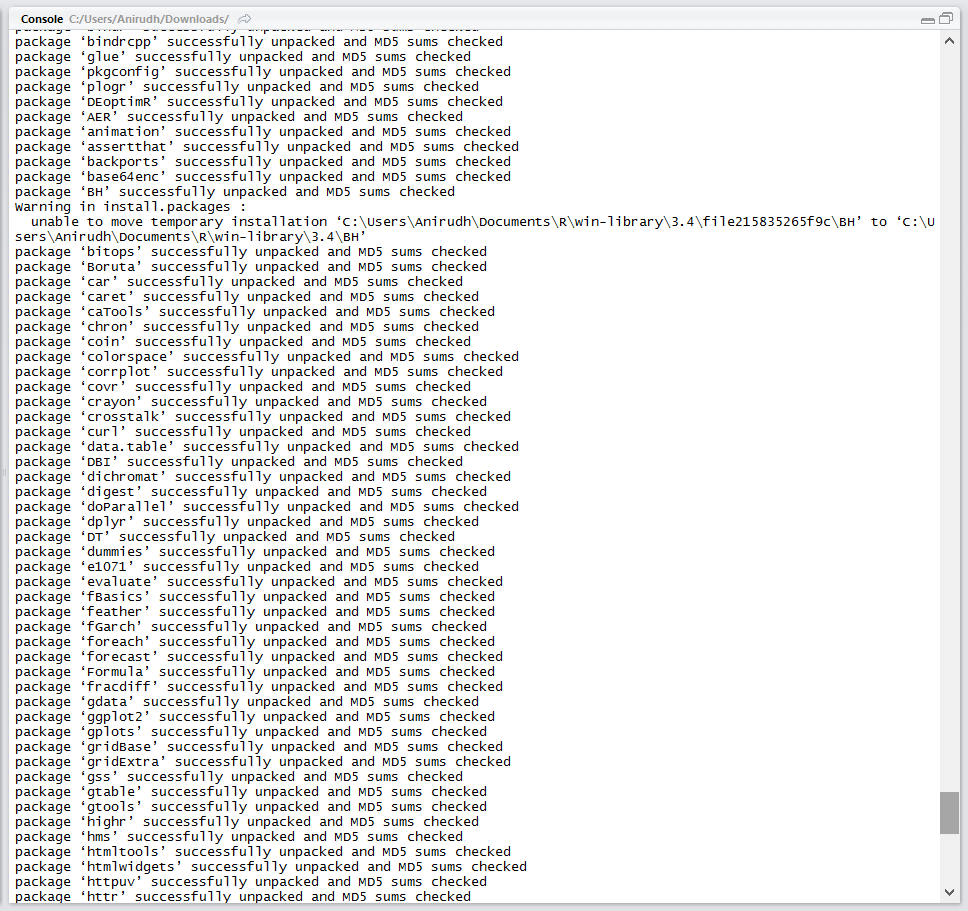
Step 3: Download this list of libraries.


install.packages(toInstall)

That’s it. Save yourself the trouble installing packages one-by-one all over again.
installing_libraries_R

Comments

10 responses to “Quick Way of Installing all your old R libraries on a New Device”

  1. juan Avatar
    juan

    But this method doesn’t work with github packages.

    Like

  2. Anirudh Avatar
    Anirudh

    Oh yeah, thanks for pointing that out. I should have mentioned it. This approach pertains to CRAN only.

    Like

  3. Calli Avatar
    Calli

    Another approach would be the use of my reinstallr package.

    https://github.com/calligross/reinstallr

    Liked by 2 people

    1. Anirudh Avatar
      Anirudh

      Nice! Have to try this out.

      Like

    2. Christine Parker Avatar
      Christine Parker

      Thanks Calli! reinstallr worked great!

      Like

  4. Jason Miller Avatar

    Even easier is using pacman. Not to mention the many other benefits of pacman. I teach all of my students to use it.

    Like

    1. Anirudh Avatar
      Anirudh

      Have got to check this out!

      Like

  5. 83Lacey Avatar

    Hello blogger, i must say you have high quality posts here.
    Your website can go viral. You need initial traffic only.
    How to get it? Search for: Mertiso’s tips go viral

    Like

  6. […] Às vezes, raramente, eu diria, há problemas com a atualização do R e você perde sua biblioteca (mesmo usando o installr, isso aconteceu recentemente comigo). Este blogueiro deu uma dica simples que pode ser interessante para se precaver. […]

    Liked by 1 person

    1. 台北榮民總醫院 Avatar
      台北榮民總醫院

      Hi, I had 2 problems when running this script. First, I don’t see why the setdiff did not work in my case. So, I create a subset excluding those baseR packages. Second, the list “toInstall” was a data frame with many columns rather than a simple character vector. I had to save only the column with the package names into another object and then transform the class from factor to character for that obj. It worked then.
      These were the 2 lines I added:

      toInstall176<-toInstall[1:176,2]
      toInstall176c<-as.character(toInstall176)

      Like

Leave a comment